
हिंदी
For completely new install please click here .
- Without deleting the aat folder delete all the files in it
- Then extract this aat.zip file downloaded from here into the same aat folder.
- Open Google chrome and copy paste this url : chrome://extensions
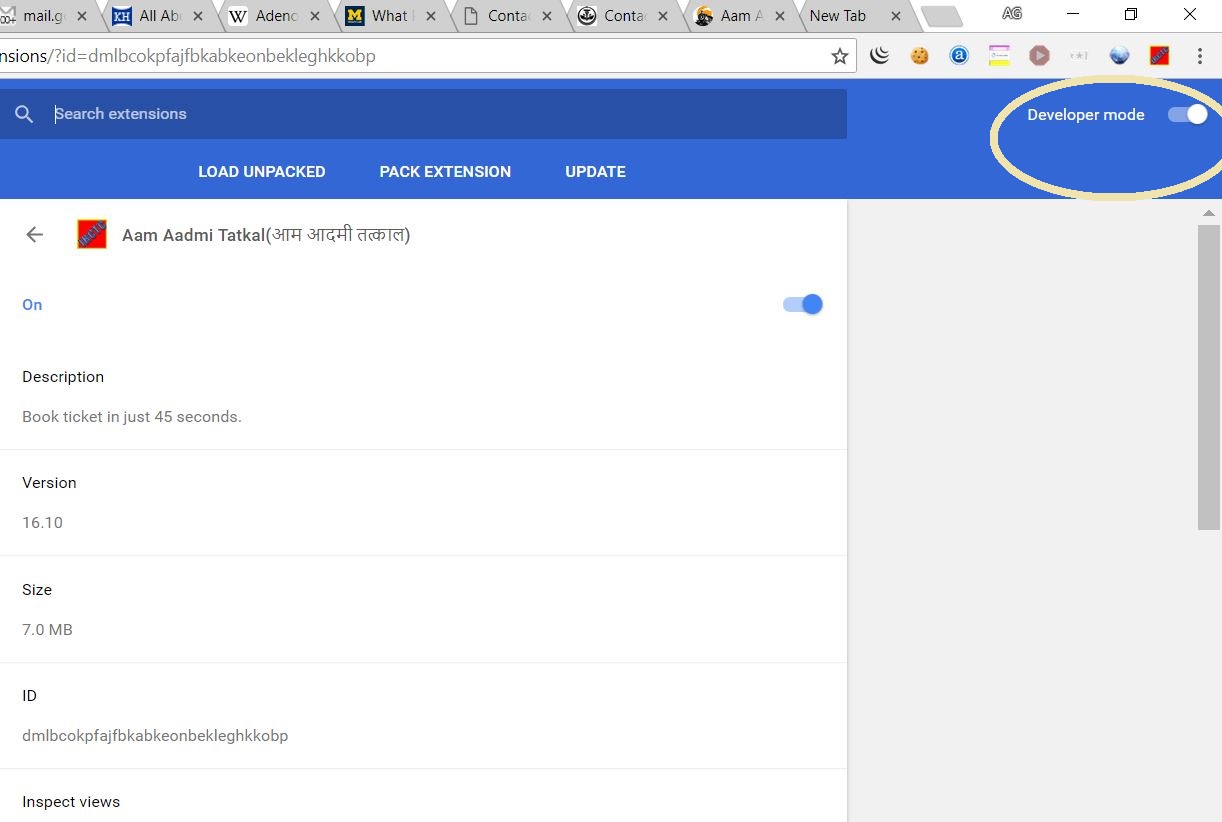
- Enable developer mode
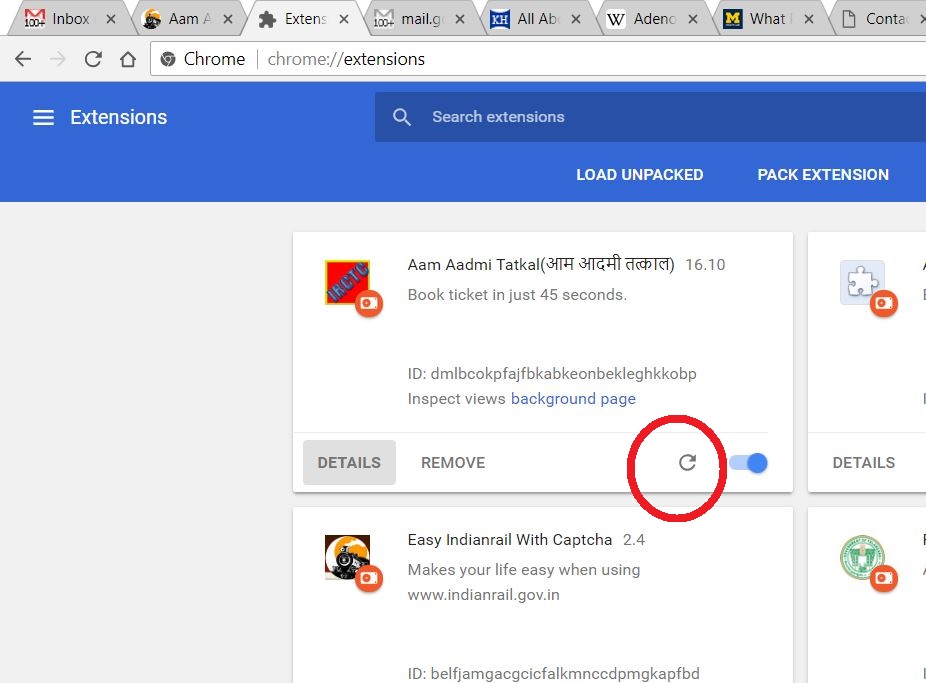
- Press this reload button
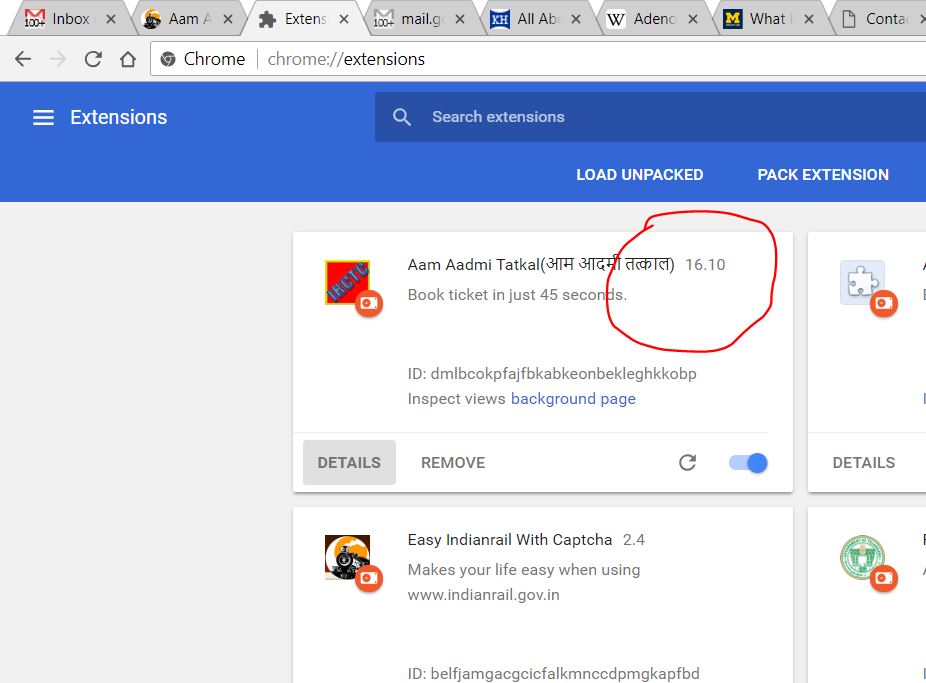
- Check that Aam Aadmi Tatkal version number is updated
Google Chrome पर आम आदमी तत्काल Version अपडेट करने की प्रक्रिया।
आम आदमी तत्काल Firefox पर कैसे इनस्टॉल करे।
English
पूरी तरह से नया एक्सटेंशन इनस्टॉल करने के लिए यहाँ क्लिक करे।।
- aat फोल्डर को बिना हटाए और सभी फाइल्स को इसमें से हटाये।
- उसके बाद aat.zip फाइल को यहाँ से डाउनलोड करे पहले से जो aat फोल्डर हैं उसमे Extract करे।
- Google Chrome को खोले और फिर इस Url :chrome://extensions को Address बार मे कॉपी पेस्ट करे।
- Developer Mode को Enable करें।
- फिर उसके बाद इस Reload बटन को दबाये।
- फिर देखे कि आम आदमी तत्काल Version का नंबर अपडेट हुआ हैं ।